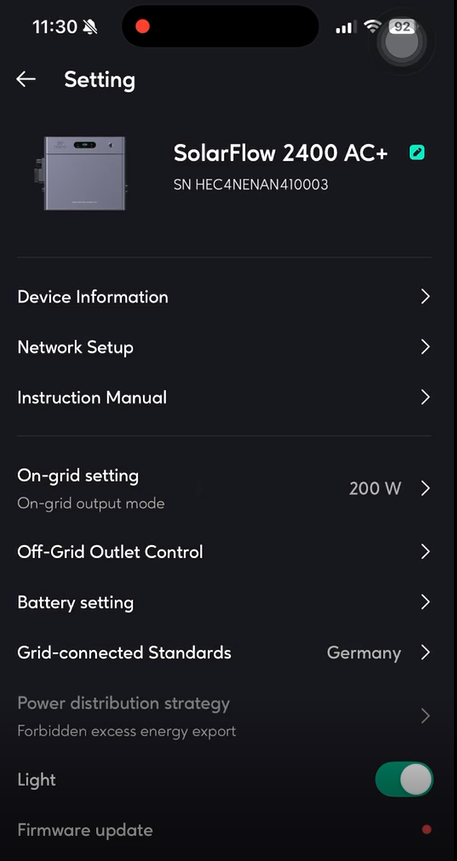
| Setting |
Meaning |
Suggestion |
| Device Information |
All information about this machine |
/ |
| Network Setup |
Reconfigure the network |
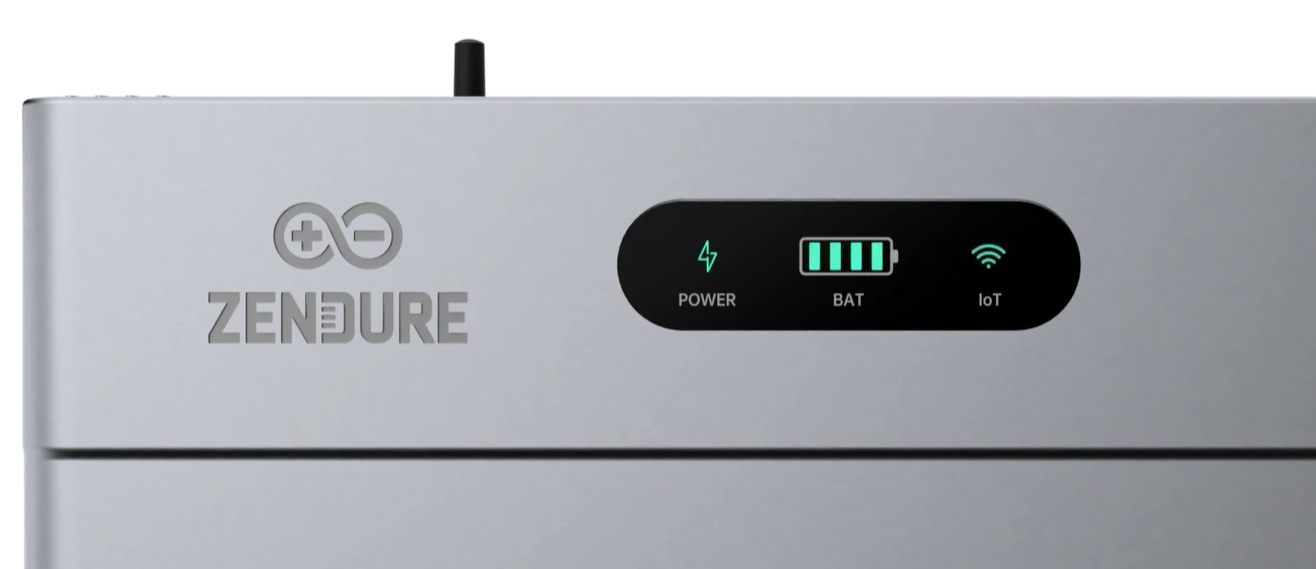
If the Wi-Fi connection is lost (indicated by a blinking red IoT LED), press and hold the button for 3 seconds to reset the network configuration. |
| Instruction Manual |
digital version of the product manual |
/ |
| On-Grid Setting |
- On-grid input mode: Specify the AC charging power (constant power charging)
- On-grid output mode: Specify the AC discharging power(constant power discharging)
|
- Default Output: The system is factory-limited to 800W AC output for standard plug-and-play safety.
- Premium Unlock: If your home wiring is verified by an electrician, you can unlock the 2400W output mode by signing the in-app Safety Agreement.
- Constant Power: You can specify a constant AC discharging power (e.g., setting it to always output 200W for household baseload) .
|
| Off-Grid Outlet Control |
- Normal Mode: The Off-grid (AC) output port will never enter sleep mode and will continue to work continuously.This may lead to noload losses and waste battery power.
- Eco Mode: If the Off-grid (AC) output port remains unloaded for 2 hours, it will enter sleep mode and stop working.
- Off: Turn off the Off-grid (AC) output port.
|
/ |
| Battery Setting |
- Adjust the battery discharge limit and charging limit.
- Set the time allowed for automatic battery calibration.
|
- SOC Protection: The system includes a hardware discharge limit of 5% State of Charge (SOC) to prevent deep discharge damage.
- User Limits: Within Battery Setting, you can further restrict the discharge limit (e.g., to 10%) or the charging limit (e.g., to 90%) to maximize the 15-year lifespan of the LiFePO4 cells.
|
| Grid-connected Standards |
Select your specific country to apply the correct voltage and frequency profiles (e.g., 230V / 50Hz for Europe). |
/ |
| Power Distribution Strategy |
Understand the priority of solar energy flow distribution within the system. Set whether to allow excess energy export. |
- Allow: After the battery is full, permit the solar power exceeding household demands to backfeed into the grid.
- Forbidden: After the battery is full, it doesn't permit solar power exceeding household demands to backfeed into the grid.
|
| Firmware update (OTA) |
Make sure your device has configured Wi-Fi and has a stable network connection. If there is an important update for the firmware of SolarFlow 2400 AC+, the app will guide you to through the process. |
Make sure your devices are on and connected to Wi-Fi before updating. |